𝐊𝐁 𝐈𝐧𝐜𝐫𝐞𝐚𝐬𝐞𝐫 (𝐈𝐦𝐚𝐠𝐞𝐬)
Drag & drop images here
Supports JPG, PNG, WEBP, GIF, BMP, HEIC, SVG & more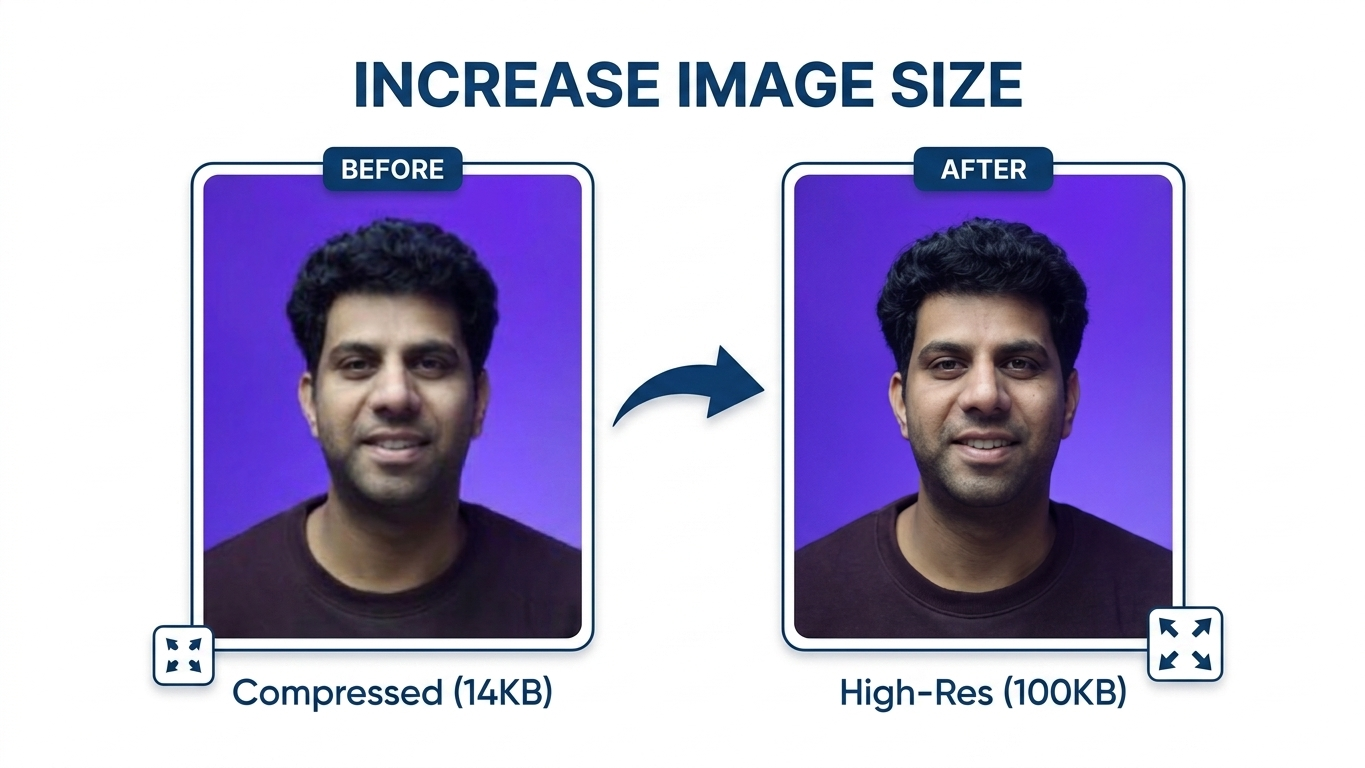
Exact KB with Invisible Padding
This tool first compresses the image to just under your target size, then injects invisible JPEG comment data to reach the exact kilobyte count. The added bytes do not change the visible image — they are completely ignored by viewers and browsers.
How It Works
Three simple steps to get your image at the exact file size
1. Upload Images
Drag & drop your images or click Choose Files. You can upload multiple images at once — JPG, PNG, WEBP, GIF, and BMP are all supported.
2. Set Target Size
Type your desired file size in KB or pick a quick preset (50 KB, 100 KB, 200 KB, 500 KB, 1 MB). The tool will match it with high accuracy.
3. Download
Click Start Processing and download each image individually or grab all processed images at once as a ZIP file.
Frequently Asked Questions
Everything you need to know about KB Increaser Pro
KB Increaser Pro increases your image file size to an exact kilobyte value you specify. Many online forms, government portals, and job applications require images to be a minimum file size (e.g. "at least 100 KB"). This tool pads your image invisibly to hit that exact target without changing the visible photo.
No. The tool injects invisible JPEG comment metadata to reach the target size. These extra bytes are completely ignored by image viewers, browsers, and editors — the visual quality remains identical. Your photo will look exactly the same before and after.
You can upload JPG, PNG, WEBP, GIF, and BMP images. The output is always saved as a JPEG file, which gives the best results for file-size padding. If you upload a PNG or WEBP, it will be converted to JPEG during processing.
Yes! KB Increaser Pro supports bulk processing. Simply select or drag in multiple images, set a single target KB value, and click Start Processing. All images will be processed to the same target size. You can then download them individually or all at once using the ZIP or separate download buttons.
100% private. All processing happens entirely in your browser using JavaScript. Your images are never uploaded to any server. Nothing leaves your device — not even a single byte. You can even use this tool offline once the page has loaded.
If your image is already bigger than the target, the tool will compress it down using a binary-search quality algorithm to get as close as possible to the exact KB value. It then pads the remaining bytes with invisible comment data to hit the precise target.
Very accurate — typically within ±1% of your target. The tool uses a 14-iteration binary search to compress the image just below the target, then fills the remaining gap with JPEG comment padding to hit the exact byte count. The accuracy percentage is shown in the results for every image.
Yes, completely free! There are no sign-ups, subscriptions, or hidden charges. You can process unlimited images at no cost. The tool runs entirely in your browser so there are no server costs either.